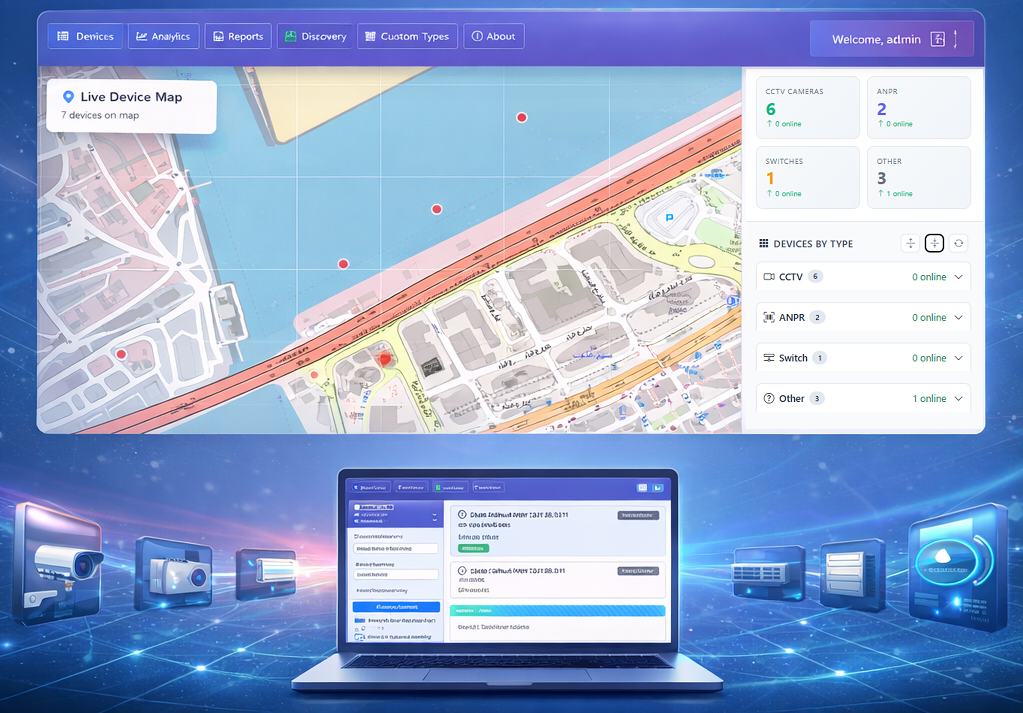
Manually entering hundreds of devices into an NMS is slow and error‑prone. Network auto discovery scans your IP ranges, identifies every connected device, and populates your dashboard automatically—saving hours of configuration time.
How Auto Discovery Works
Infusionicsoft NMS uses ICMP ping sweeps, SNMP queries, and port scanning to detect active hosts. It then fingerprints each device to determine type (router, switch, camera, server) and applies appropriate monitoring templates.
IP Scanning and Device Detection
Simply enter a subnet (e.g., 192.168.1.0/24) and click "Scan." Within minutes, your inventory is complete. Scheduled re‑discovery keeps the inventory current, alerting you to new or rogue devices.
Auto Mapping and Topology
Once discovered, devices can be placed on a GIS map or network topology view, giving you immediate visual context. This automation reduces deployment time from days to minutes.